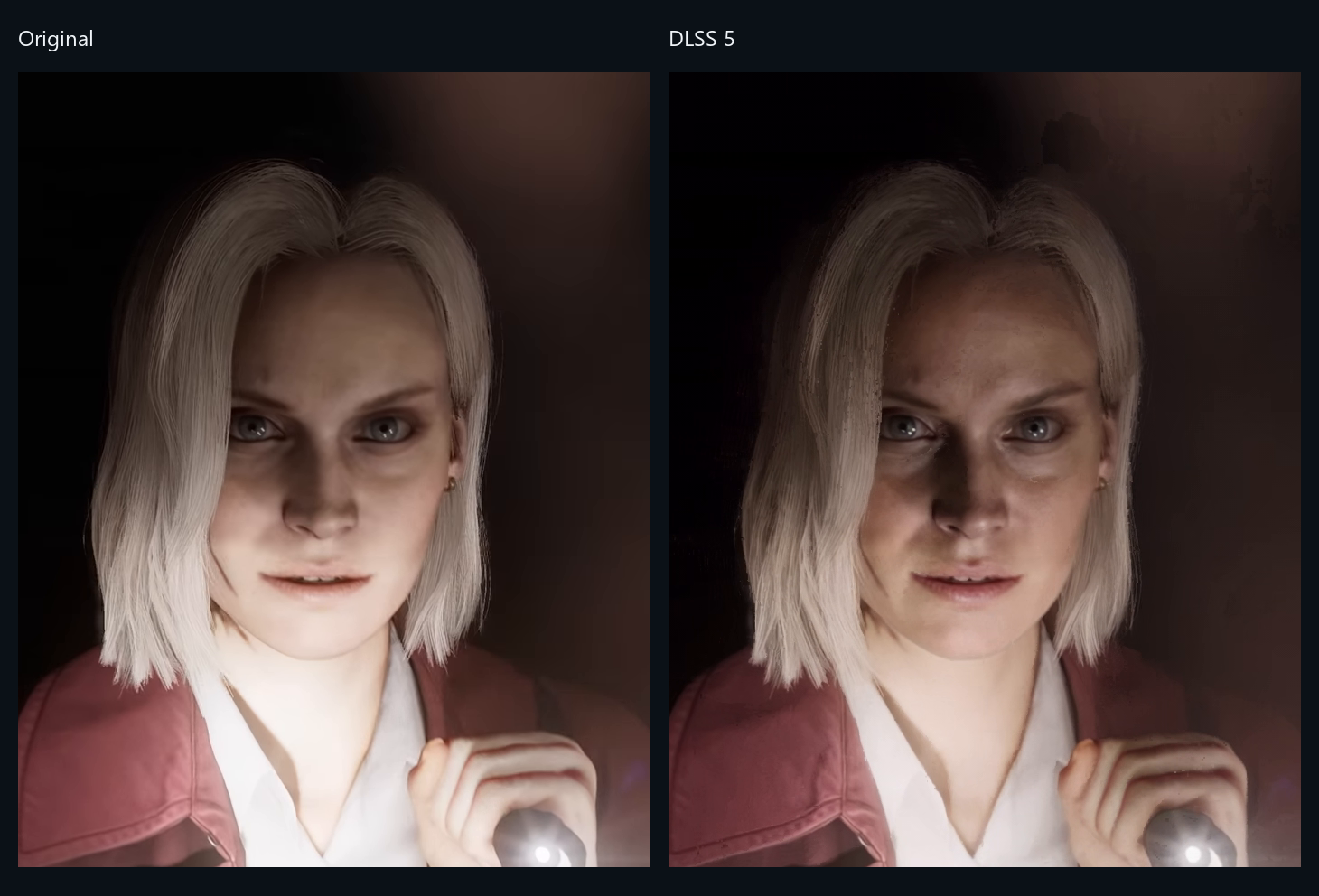
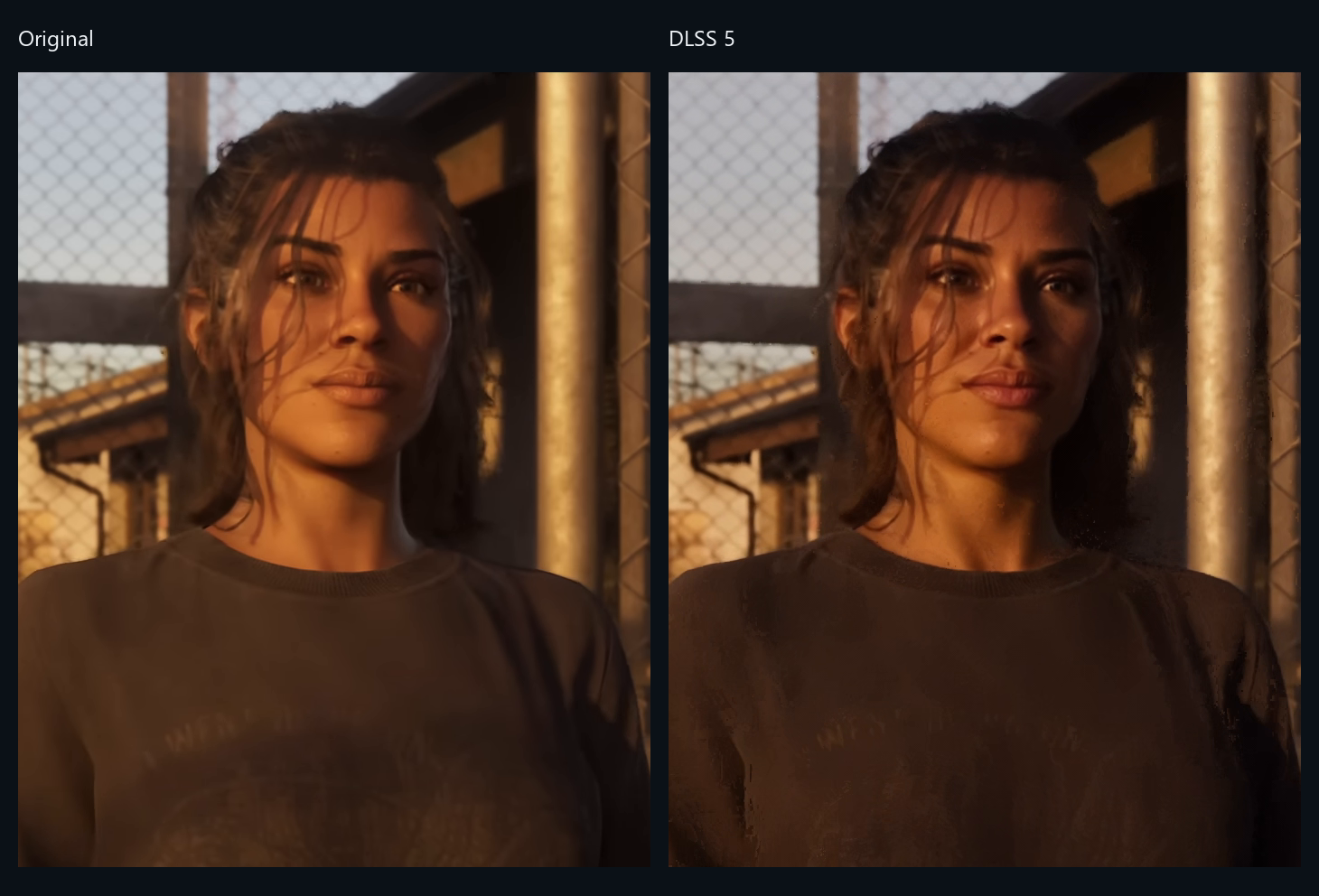
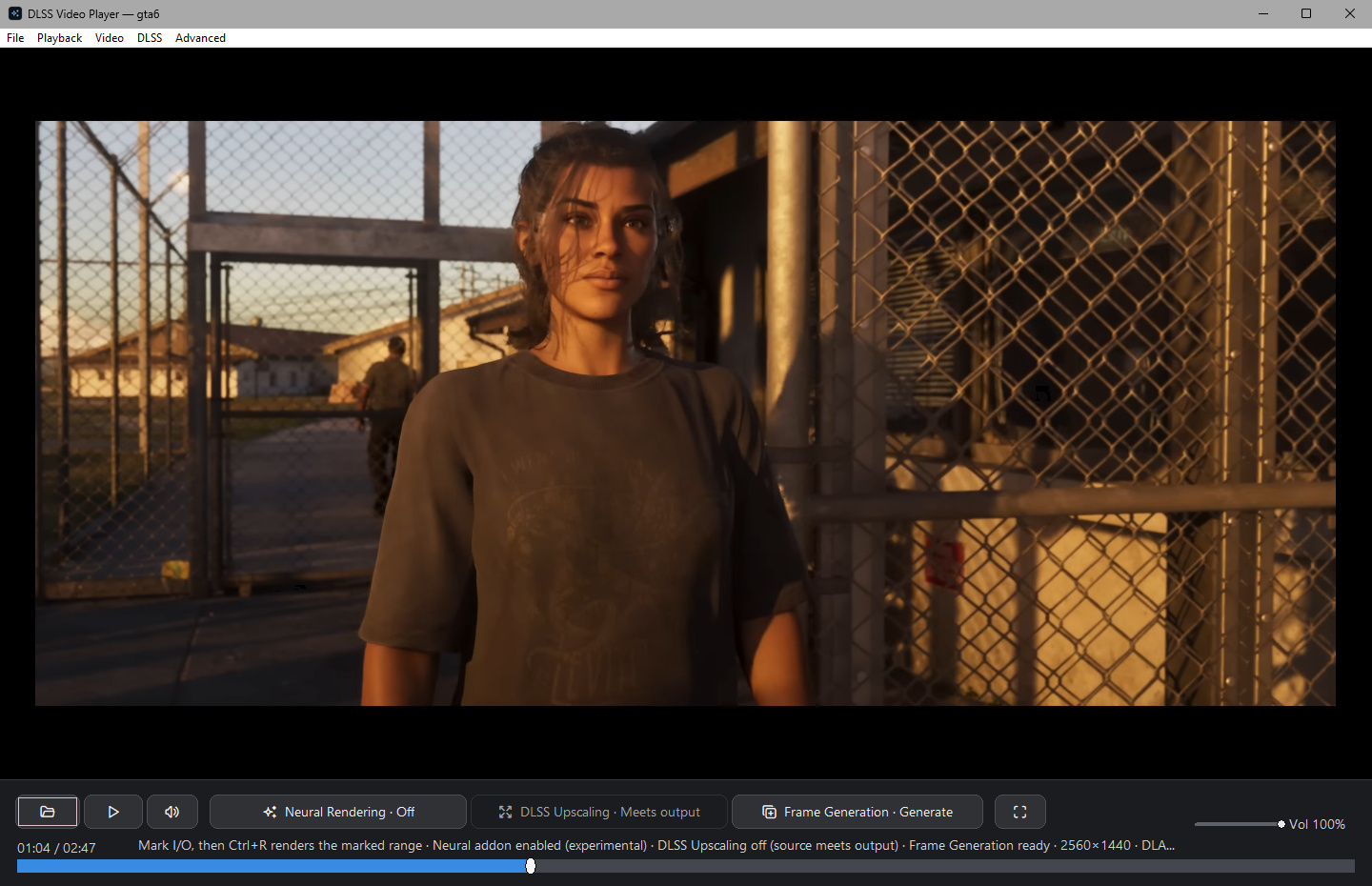
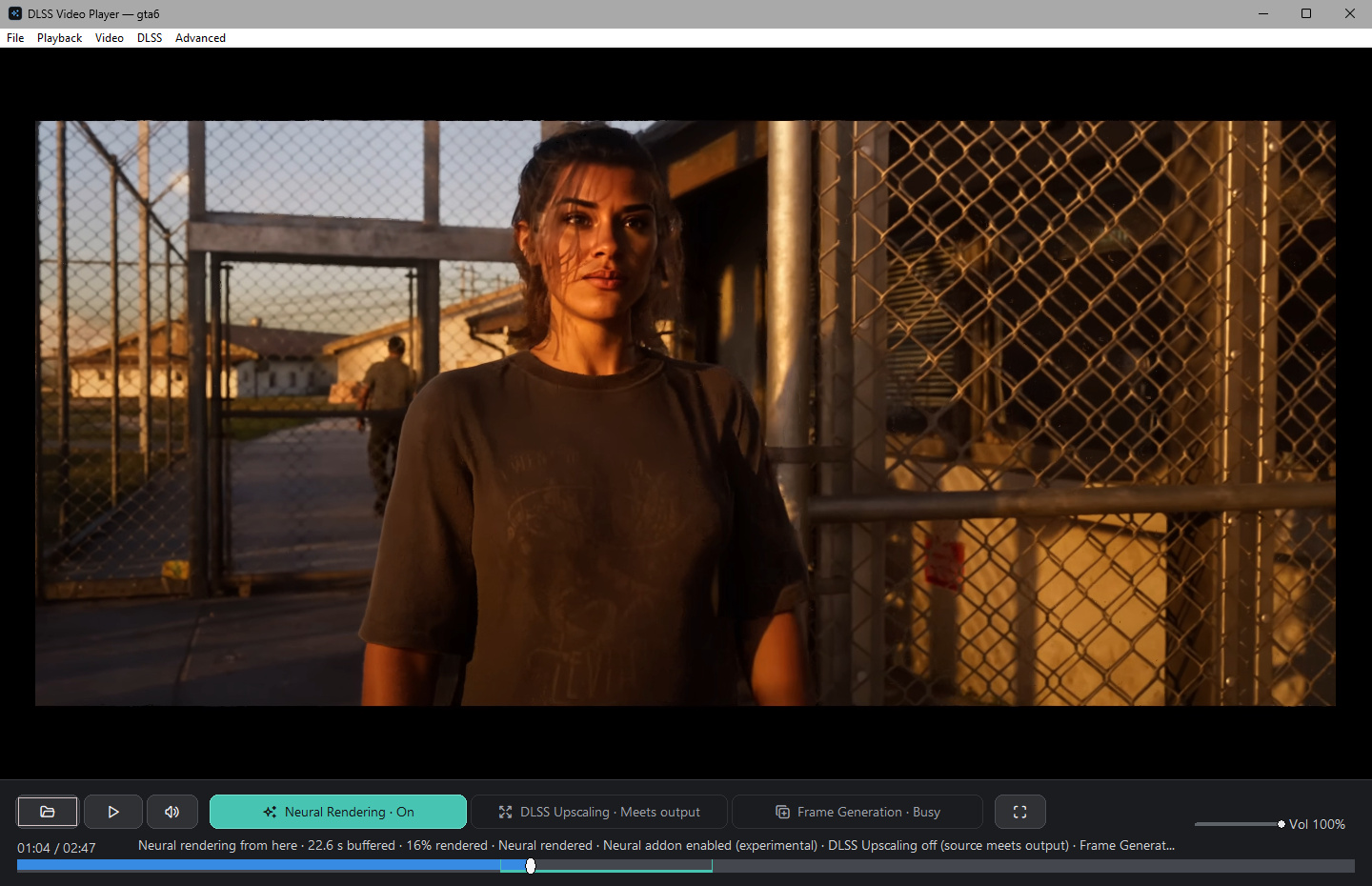
Is it safe to run?
It is open source, but its neural runtime is a modified community
build that nobody can sign, so decide with that in view. Each zip has a
SHA-256 beside it. The core zip is built by CI from this repository and
carries a signed build attestation (gh attestation verify);
the complete zip is assembled by the maintainer and has a checksum
only. Inside either, verify_package.ps1 checks every file
against a pinned manifest before the first run. Scan the runtime as you
would any unsigned software, or take the core zip and supply your own.
Why is the neural runtime unsigned?
Because it has been modified. It includes NVIDIA's neural DLL patched
to run on RTX 40 cards, which invalidates NVIDIA's signature, alongside
community ReShade and RenoDX files that were never signed. Nobody is in
a position to re-sign it, so it ships unsigned and says so. Its files
are pinned by size and SHA-256, and the package verifier rejects any
that have changed.
Which GPUs does it need?
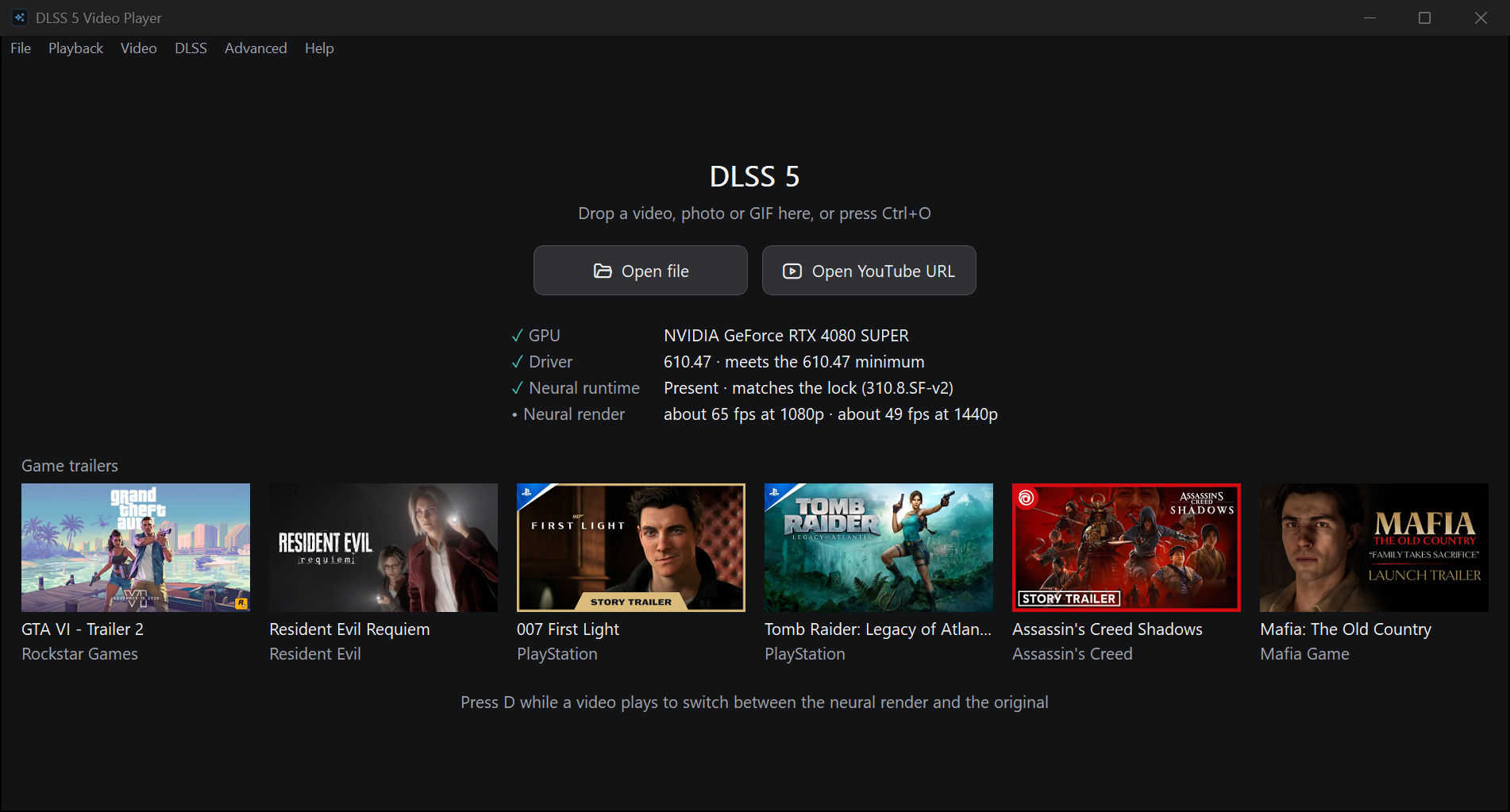
An NVIDIA RTX card and driver 610.47 or newer; with an older driver
the player says so up front. It has been checked on an RTX 4080 SUPER
and an RTX 5090. RTX 20 and 30 series cards lack native FP8 and should
be several times slower; nobody has tested one yet. On any other GPU
the start screen says "not an RTX GPU, so no DLSS", and playback there
has not been tested.
How long does a render take?
You do not wait for it to start: playback joins the render a few
seconds after you press D, and the rest fills in while you
watch. A live 1080p30 session costs 8.4 ms a frame on an RTX 5090
and 15.3 ms on an RTX 4080 SUPER, both faster than the video
plays; 1440p30 on the 5090 costs 15.4 ms. A whole 4K film on the
4080 SUPER rendered at 14.8 frames a second. After your first session
the player warns you before a video it expects to fall behind on. The
other limits are above.
Does it upload my video anywhere?
No. Rendering runs on your GPU and the cache stays on your disk. The
player goes online to fetch a YouTube link you paste, and once a day
to ask GitHub whether there is a new release, which
[Updates] Enabled=0 in its settings file turns off.
The start screen also fetches the seven built-in trailers' thumbnails
from YouTube's image server, then again once a month, which
[Start] ThumbnailFetch=0 turns off.
Does it upscale video too?
It can, with DLSS Super Resolution, but that is off by default because
on video it does not beat a plain scaler: on six clips upscaled from
960×540 to 1080p, bicubic scored higher every time. It is built for
rendered games, not decoded footage, so turn it on for its look, not
for detail. Neural rendering itself keeps the source resolution.
Does it work on screenshots and photos?
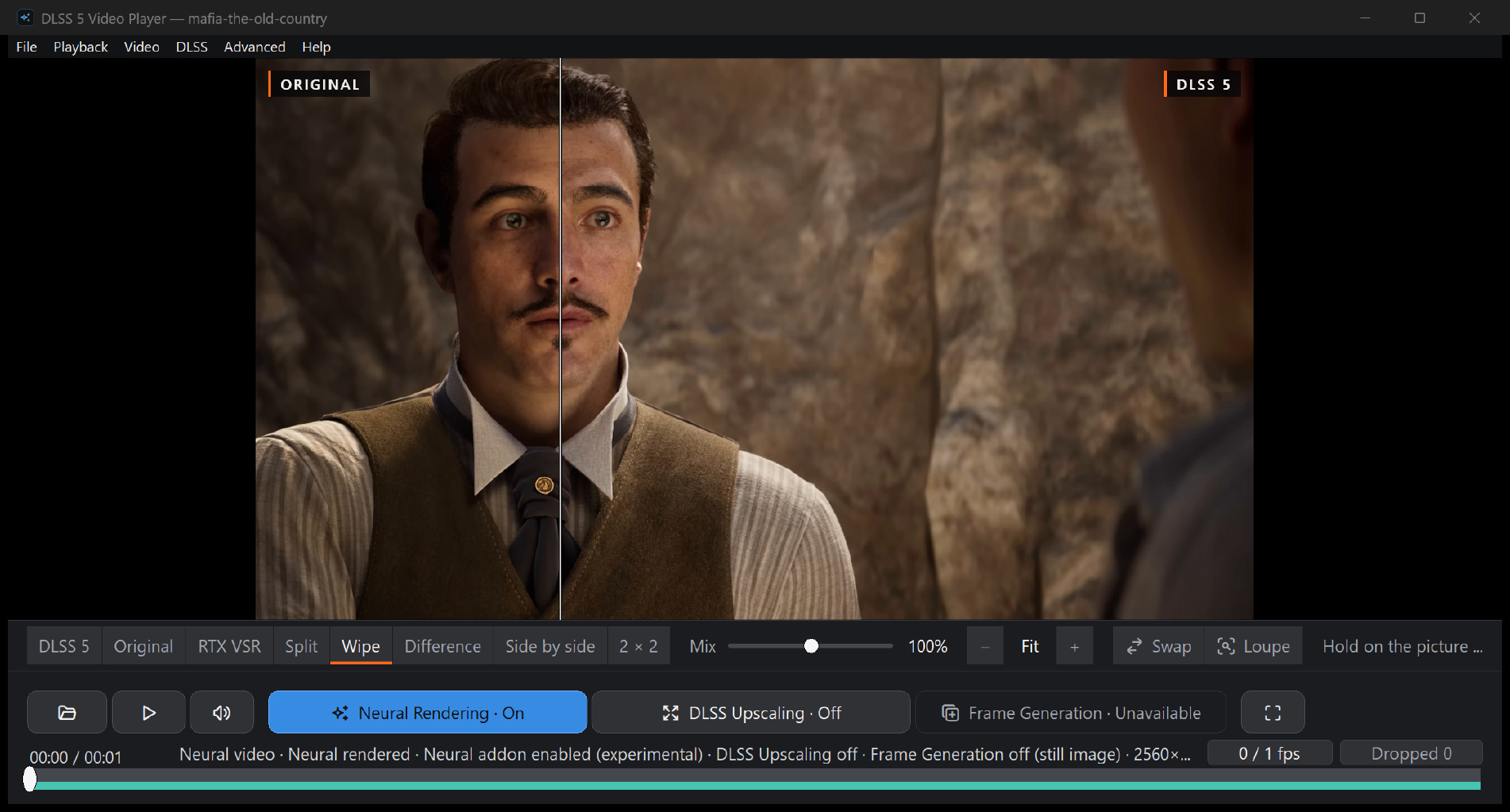
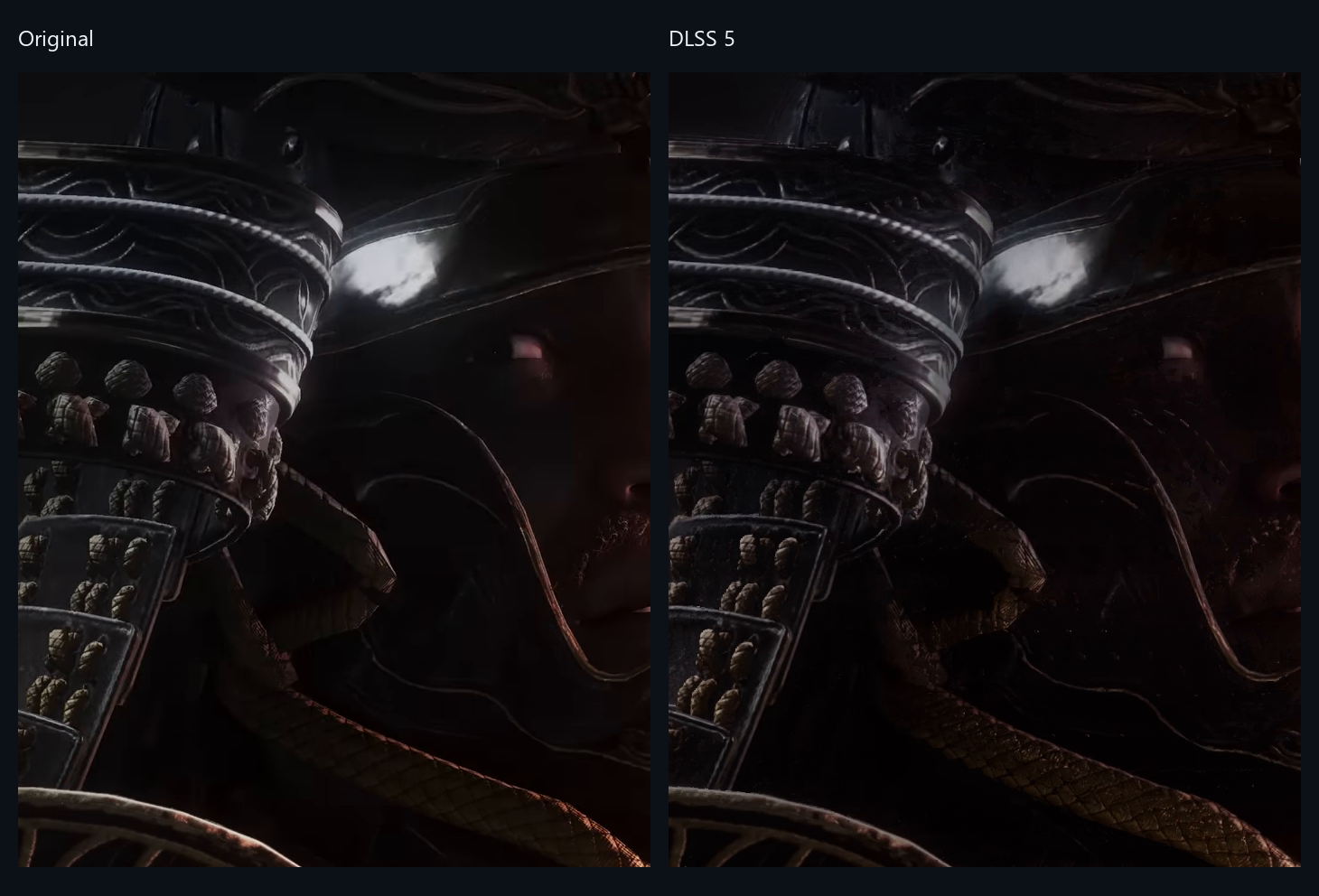
Yes. Open a PNG, JPEG, BMP, TIFF or static WebP and press
D: it renders once and stays on that frame, with the same
compare views as a video, and saves as a PNG or JPEG at its own size.
From the command line, --render turned a 2560×1440 game
screenshot into a PNG in about 8 seconds on an RTX 4080 SUPER.
Animated GIFs render frame by frame and keep their timing. The model
is built for rendered games, and game screenshots are what it has been
tried on; camera RAW and animated WebP are not supported.
Can I keep the result?
Yes: PNG or JPEG for photos, GIF for animations, MP4 or MKV for video,
from the player or, from v0.26.0, from a script with
--render. MKV keeps the source audio, subtitles and
chapters without re-encoding them.
Export with DLSS stages writes Super Resolution, neural rendering and
frame generation into one file, in NVIDIA's order.